Opening the digital work card and realizing that a job does not appear, that the salary is different from expected or that some record seems incomplete can generate immediate concern. These situations are more common than many people imagine and, in most cases, do not mean loss of information.
How to consult your information in the digital workbook
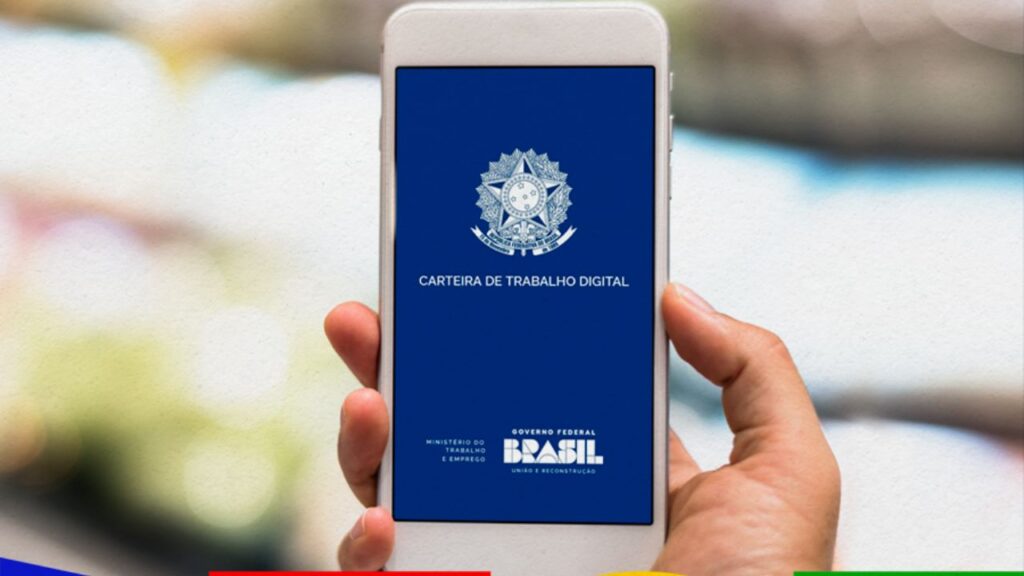
The first step to check for any problems is to correctly access the information recorded in the digital wallet.
The consultation can be done in two ways:
📱 by the Digital Workbook application:
👉 Android: https://play.google.com/store/apps/details?id=br.gov.datarev.carteiradigital&hl=en_BR
👉 IOS: https://apps.apple.com/br/app/digital work-portfolio/id1295257499
through the online portal of government services:
👉 https://sso.accesso.gov.br/login?client_id=www.gov.br&authorization_id=19d0c735350
Once you enter the platform, look for the area of contracts or employment contracts. There you can view information such as:
- current jobs
- previous jobs
- admission dates
- registered wages
- contractual amendments
These data are organized in chronological order to facilitate the reading of the professional history.
If you want to directly access the Digital Workbook consultation environment through the government portal:
👉 https://www.gov.br/en/services/obter-a-carteira-de-labour
How to identify possible errors in the information
During the professional history consultation, some signs may indicate that there is some inconsistency in the records.
The most common cases include:
job that does not appear in the list
registered salary different from the combined
🔴 position incorrectly described
wrong admission or shutdown dates
These situations usually do not mean that the system has lost information. Most of the time, they are related to the sending of data made by the employer.

Why some records may not appear
Companies need to send labor information to government systems whenever they hire, change data, or terminate a professional bond.
When this data is sent correctly, it will appear in the digital wallet. However, some situations may delay or prevent the immediate viewing of the records, such as:
delay in sending information
error in filling in the data
recent update on the labor system
Therefore, not always a missing record means that the contract has not been registered.
What to do when a job does not show up
If you noticed that a professional bond does not appear in the history, the first step is to check with the company responsible for the contract. Usually the process involves:
1️⃣ Confirm that the record has been sent to the system
2️⃣ check if the data have been entered correctly
3️⃣ request the update of the information when necessary
Once the company corrects or sends the data correctly, the information automatically appears in the digital wallet.
How to request correction of information
When any data is incorrect, the update usually needs to be done by the company that registered the contract.
This is because employers are responsible for sending labor information to official systems.The process typically involves:
🔶 review of recorded information
correction of data in the company system
🔶 resending of updated information
After the correct submission, the data is automatically updated in the digital wallet.
How long updates can take
The time for changes to appear in the system may vary.
In many cases, changes appear quickly, but some updates may take a few days to display properly.
During this period, the worker can follow the information directly through the application or through the online portal.
When it is worth regularly monitoring the records
Consulting the digital wallet from time to time can avoid surprises when you need to prove work experience or verify labor data.
This check is especially important at times such as:
start of a new job
➡️ change of office
salary update
➡️ contract termination
Keeping this information organized helps ensure that your professional background is correct within the labor systems.
Consulting the digital workbook information and keeping track of professional records on a regular basis is a simple way to ensure that all data is correct.
This practice allows you to quickly identify possible inconsistencies and seek the necessary corrections with the employer whenever any adjustment is necessary.
Keeping your work history up-to-date makes it easier to prove work experience and helps ensure that your information is correctly recorded within official systems.