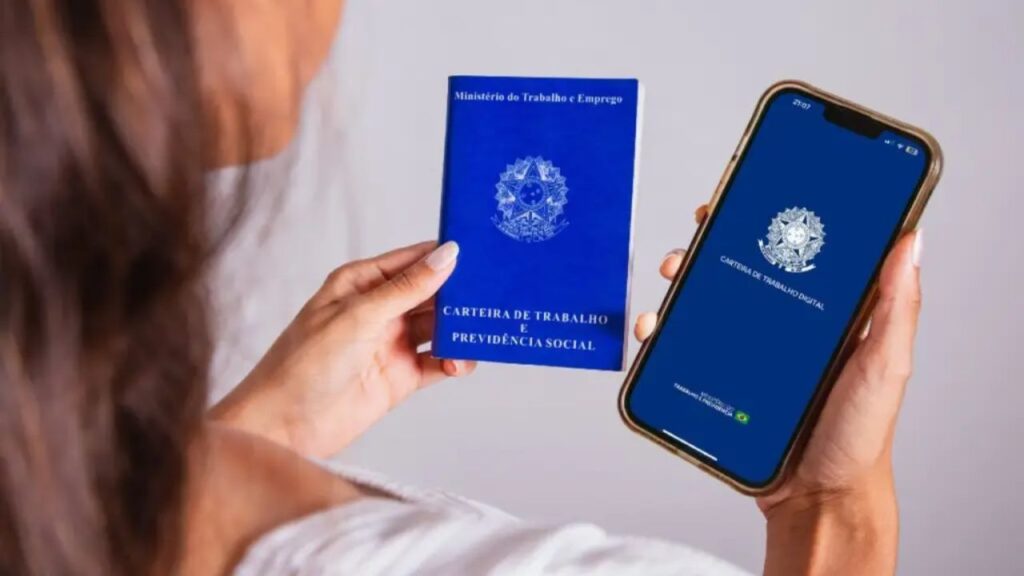
Most people only realize the importance of the digital workbook application when they need to consult a record urgently - whether to start a job, check a contract or track information submitted by the company.
How to download the application from the digital workbook
The official app is available for free in the major app stores.
1️⃣ Open the app store (Play Store or App Store) from your mobile and download the right app:
👉 Android: https://play.google.com/store/apps/details?id=br.gov.datarev.carteiradigital&hl=en_BR
👉 IOS: https://apps.apple.com/br/app/digital work-portfolio/id1295257499
2️⃣ Click install: After installation, open the application to start access.
⚠️ ATTENTION: Check if it is the official app! The correct app is published by Federal Government.
How to login to CTPS Digital app
After installing the application, the next step is to access your account. The login is done using the Gov.br system account. CPF and registered password!
If you do not have an account, the application itself guides the creation of the registration.
Depending on the security level of the account, the system may request additional validations such as:
🔐 code sent by SMS
🔐 confirmation by application
facial validation
These steps serve to protect worker data.
Once access is confirmed, the app automatically loads the information available in the digital wallet.

What can be consulted within the application
One of the main advantages of installing the application is having quick access to your professional history.
Within the application you can view information such as:
current employment contracts
history of previous jobs
registered wages
📄 dates of admission and termination
contractual changes made by companies
This data is sent by employers to the labor systems and automatically appears in the digital wallet.
This means that the worker can keep track of updates without having to request physical documents.
Resources available within the app
In addition to the basic consultation of professional records, the application also offers other important features. Among them are:
✔ Full view of professional history
✔ monitoring of employment ties
✔ consultation of registered personal data
quick access to labor information
These features make the application a practical tool to follow the professional life.
Important tips to use the app without any problems
Although the application is simple to use, some practices help to avoid problems in access.
🔒 Keep the app up to date: Updates ensure safety and operational improvements.
🔒 Protect your password from access: Never share the password of the account used to access government services.
🔒 Avoid installing similar applications: Some unofficial apps may appear in stores. Always confirm that the developer is the Federal Government.
🔒 Check your data regularly: Querying the app from time to time helps to quickly identify any incorrect information.
What to do if the app does not work
In some situations, the application may present temporary difficulties. Among the most common problems are:
- error logging in
- app does not load information
- difficulty validating access
In these cases, some simple actions usually solve:
!!️ update the app
!!️ restart the cell phone
!!️ check the internet connection
If the problem continues, you can also access the services directly from online portal.
Having the Digital Workbook application installed on the mobile phone makes it much easier to follow up on professional information. With it, you can check employment contracts, track records made by companies and consult important data whenever necessary.
This quick access helps the worker keep their information organized and allows them to track changes that can directly impact their professional trajectory.